Failover
Use an alternate connection when the preferred path becomes unavailable. SpeedFusion Hot Failover can help preserve sessions through a configured tunnel.
Digital Navigator / Peplink MAX BR2 Pro
Two cellular modems. Two Panorama CASEANT antennas. One portable platform with room to grow.
Bring your connections together—and bring the equipment your application needs. Our BR2 Pro case combines Peplink networking with a spacious interior for custom IoT, local processing, and field technology.
Configure your BR2 case ↗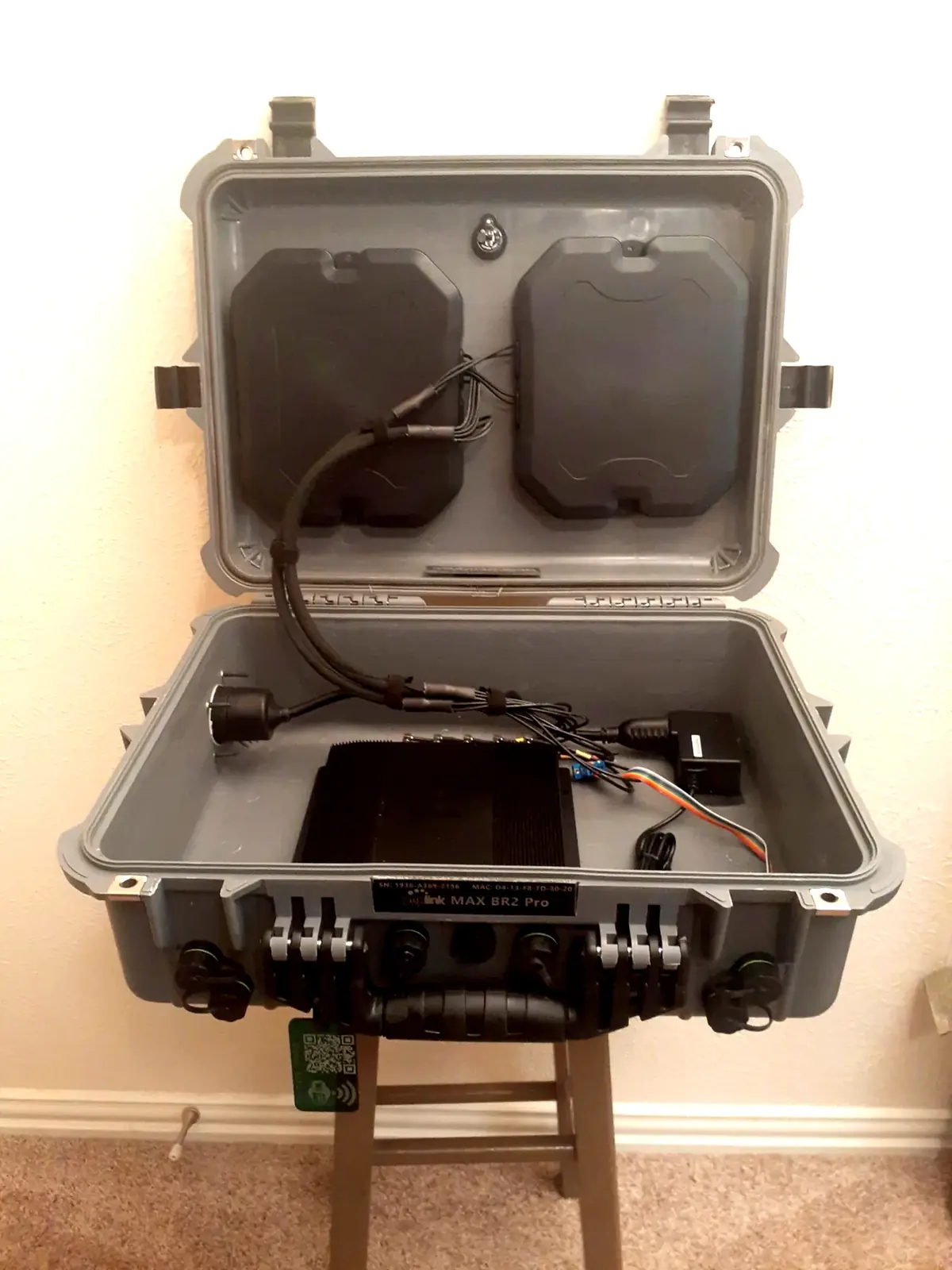
01 / More ways to stay connected
Use two cellular connections simultaneously, with the option to add Starlink through Ethernet WAN.
The MAX BR2 Pro’s two embedded cellular modems let you build around different carriers rather than depend on a single cellular network. Add an external Starlink terminal for another backhaul path when your location and application call for it.
Configure the network for failover, traffic distribution, or SpeedFusion bonding. DigiNav helps match the connection strategy to your coverage, traffic, and operating budget.
Use an alternate connection when the preferred path becomes unavailable. SpeedFusion Hot Failover can help preserve sessions through a configured tunnel.
Distribute separate traffic sessions across available WAN connections. Useful when several people or devices share the case.
Combine selected WAN paths through a SpeedFusion tunnel to a compatible remote endpoint or service—for traffic that benefits from using multiple links together.
02 / Integrated antennas
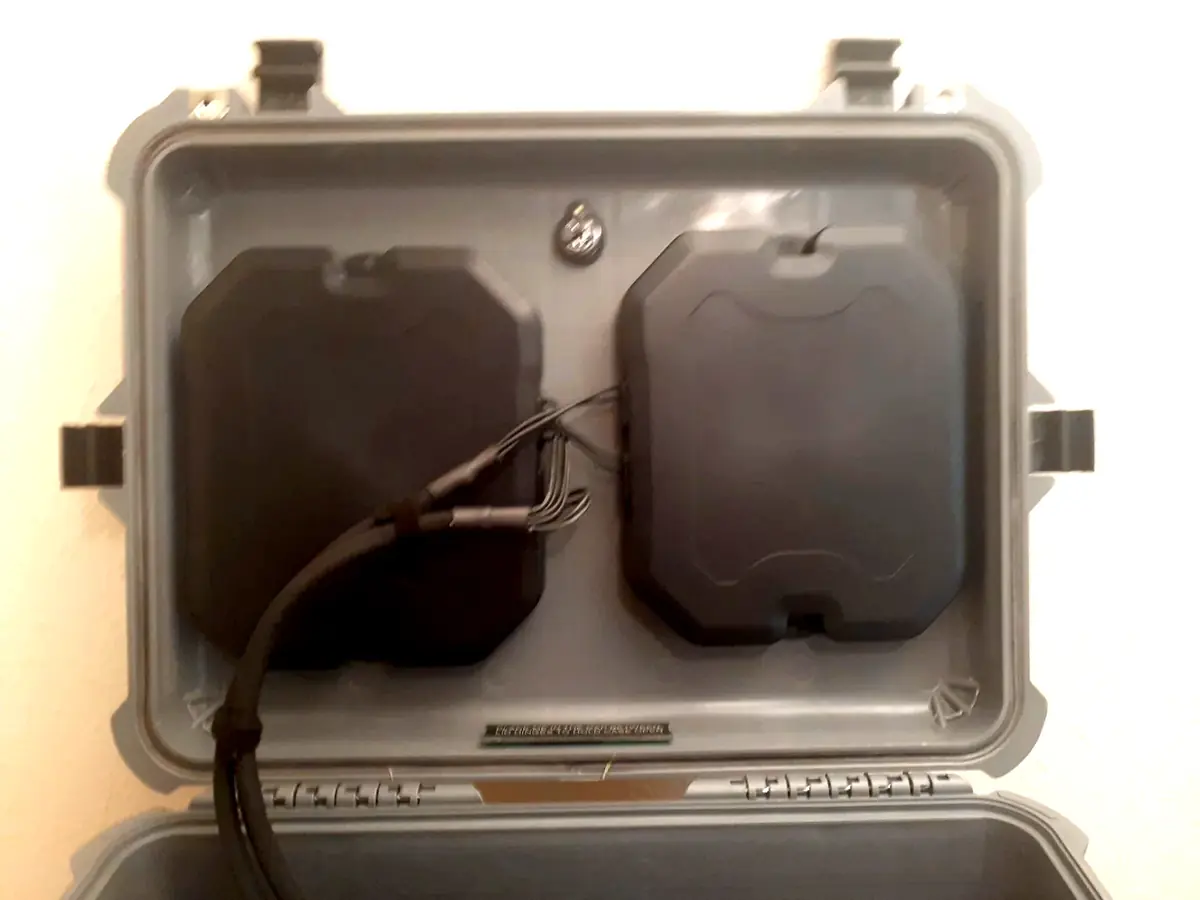
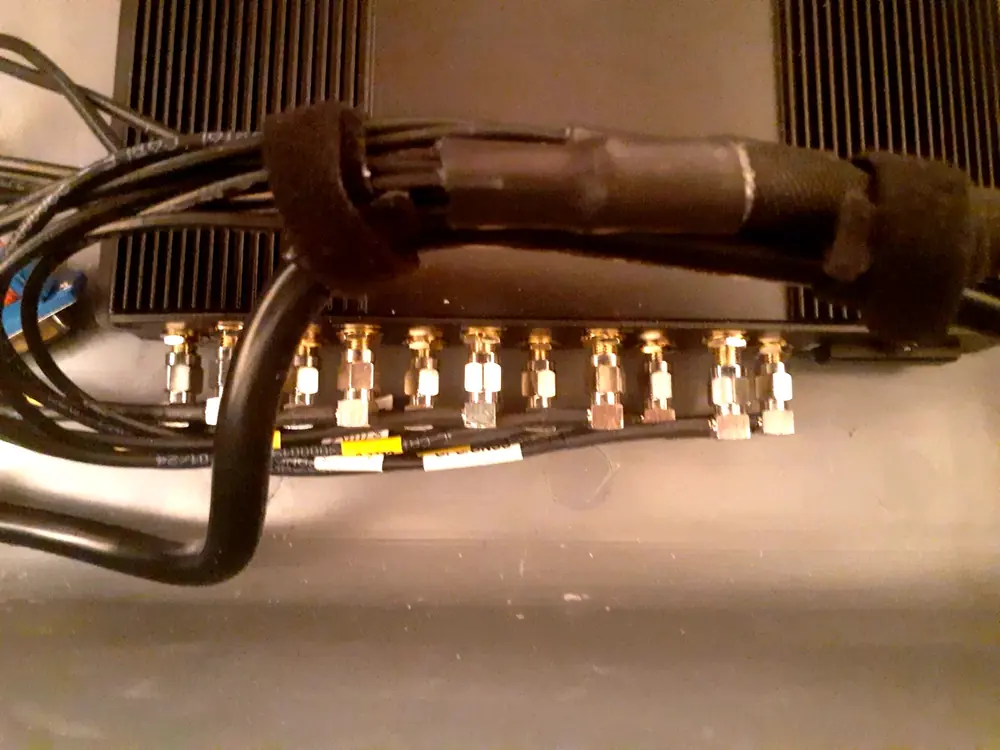
Two Panorama CASEANT antennas form the antenna installation in this BR2 build.
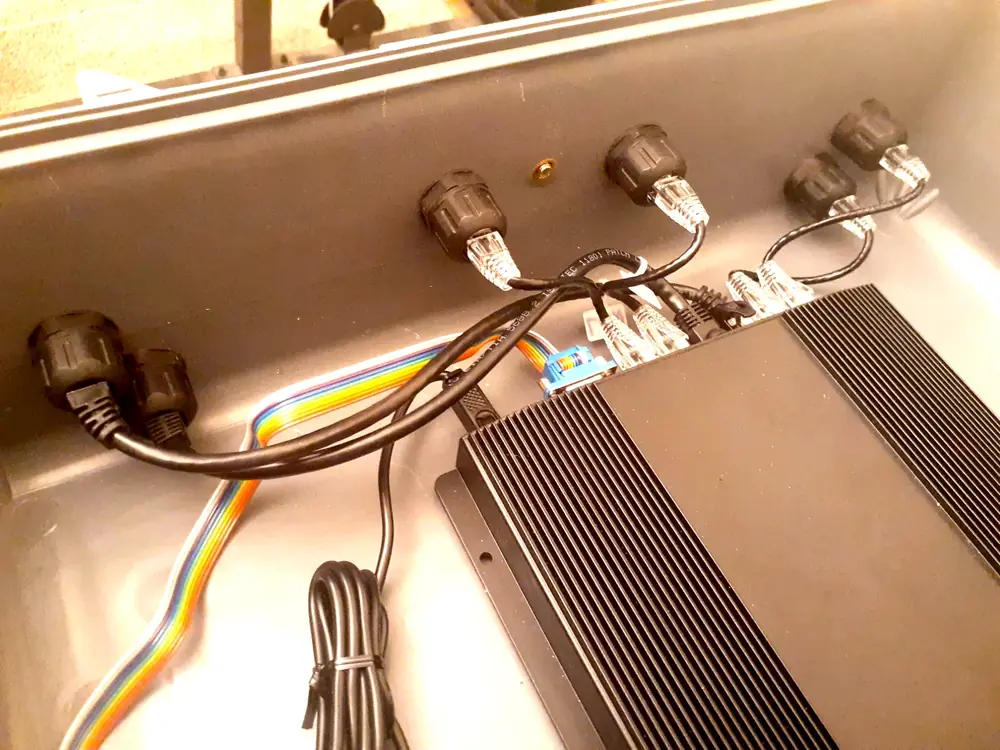
The lid keeps the antenna arrangement together with the router, with cabling routed into the base. The result is a coordinated portable system rather than a collection of loose antennas to transport and reconnect.
We match the antenna variant, connector layout, and cable routing to the router configuration. Carrier coverage and case placement still matter; we help plan the deployment around the conditions where you work.
03 / A network is only the beginning
The BR2 doesn’t fill the whole case. That remaining space can become part of your solution.
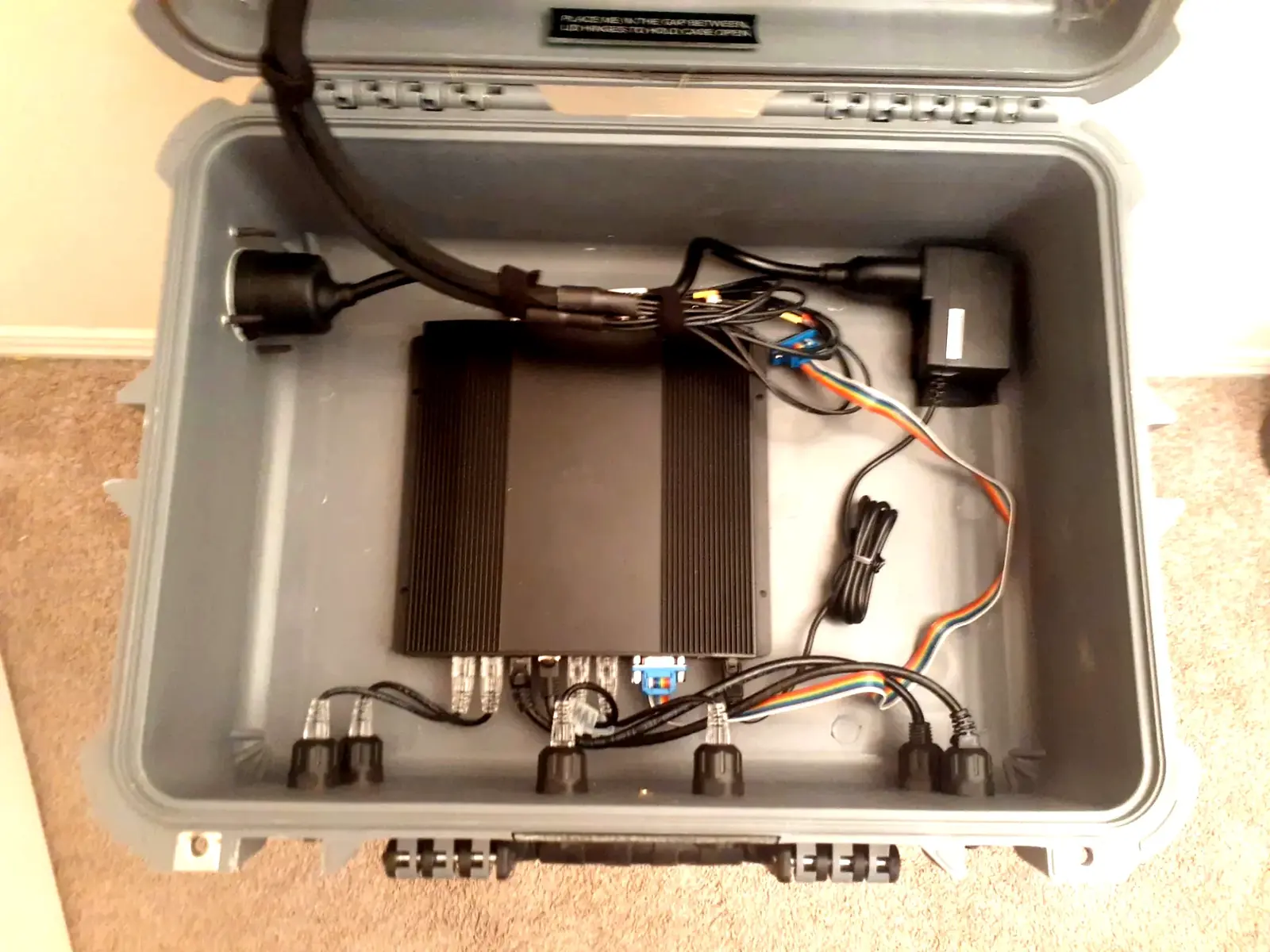
Plan space for a sensor gateway, industrial interface, or control hardware. Bring field data back over the cellular and satellite connections available at the site.
Add a compact computer for local applications, data collection, or selected analytics. Keep useful processing close to the equipment generating the data.
Discuss local storage, a compact network switch, or application-specific hardware. Mounting, power, cabling, and heat management are engineered for the selected build.
Expansion examples are optional custom integrations, not equipment included in the photographed case. Available space alone does not establish thermal, electrical, or environmental compatibility.
04 / Made for work away from the office
Connect production offices, event staff, and streaming workflows with a backhaul strategy suited to the location.
Bring connectivity to a changing job site, then connect local Wi-Fi or wired equipment as needed.
Combine remote access with room for gateways, local computing, and purpose-built field applications.
05 / Every view is the real case
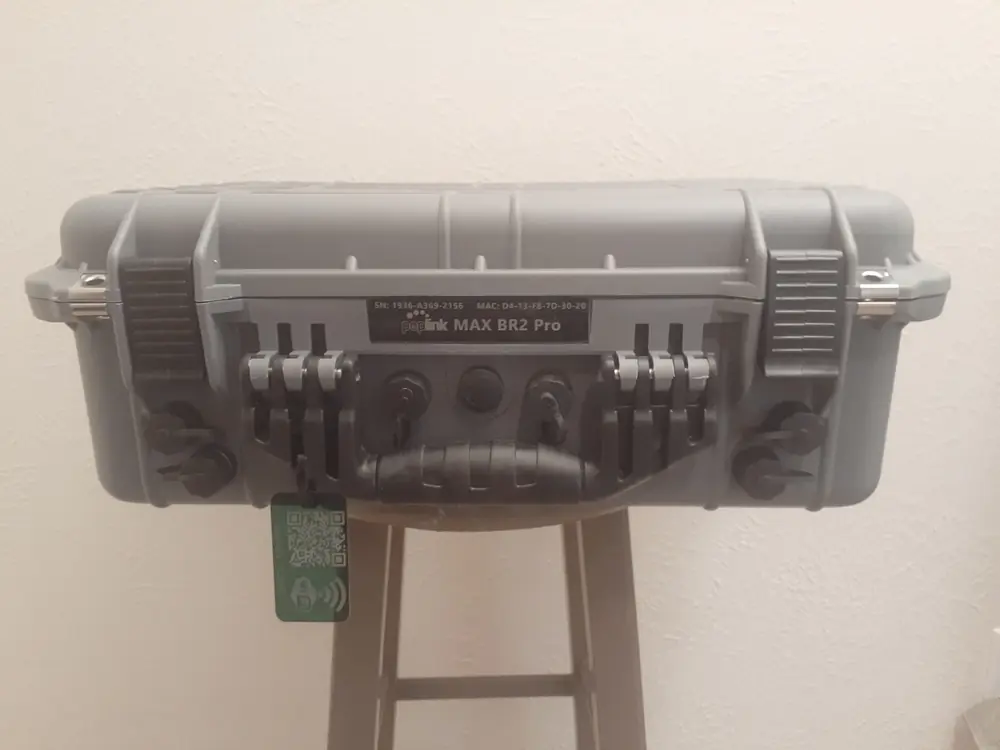
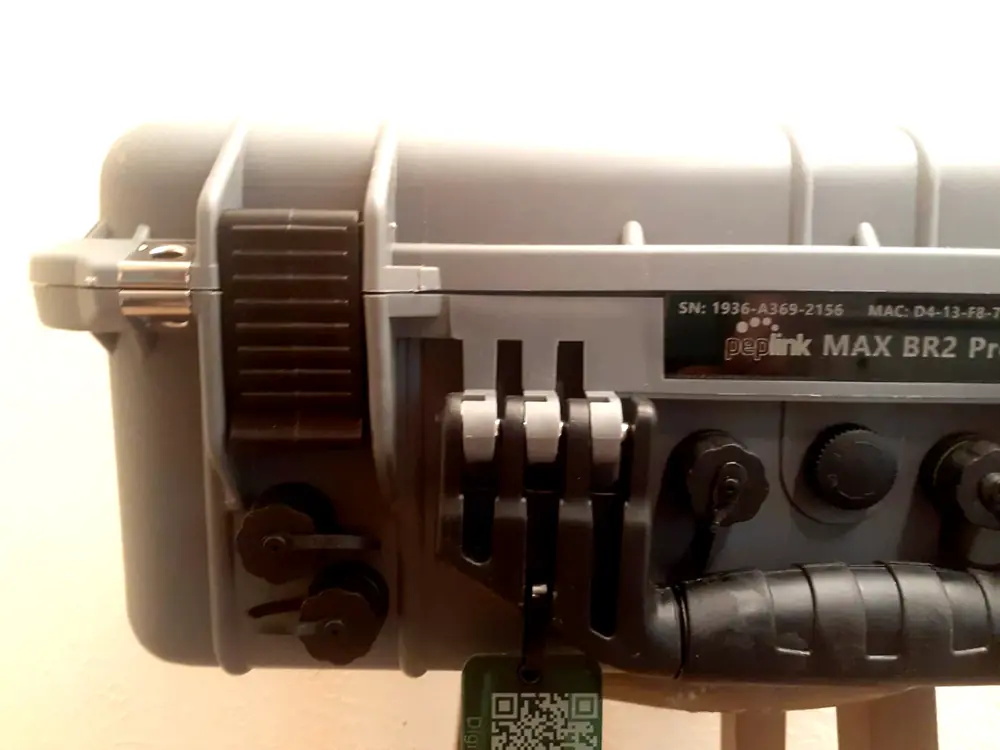
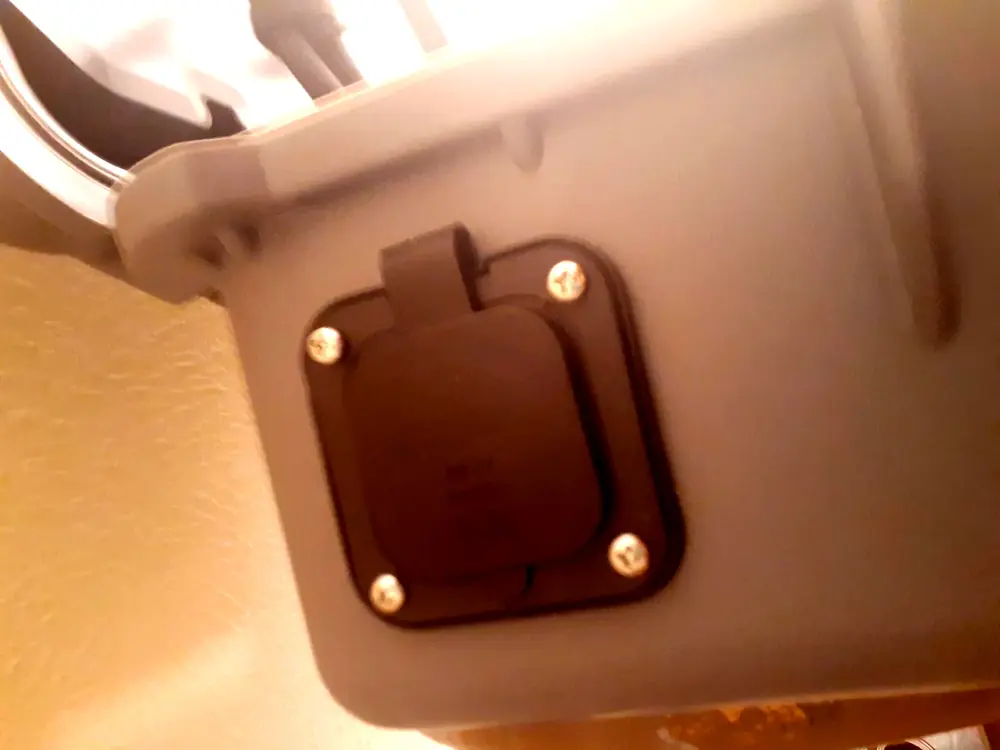
Actual DigiNav build photos. Select a photo for a larger view.
Digital Navigator / Redefine remote work
Tell us what needs to connect, where it needs to work, and what you want inside.
We’ll help specify carriers, Starlink integration, SpeedFusion service, and the space and power needed for your custom equipment.
Let’s configure your case ↗Need a temporary deployment? Explore 5G Rentals →